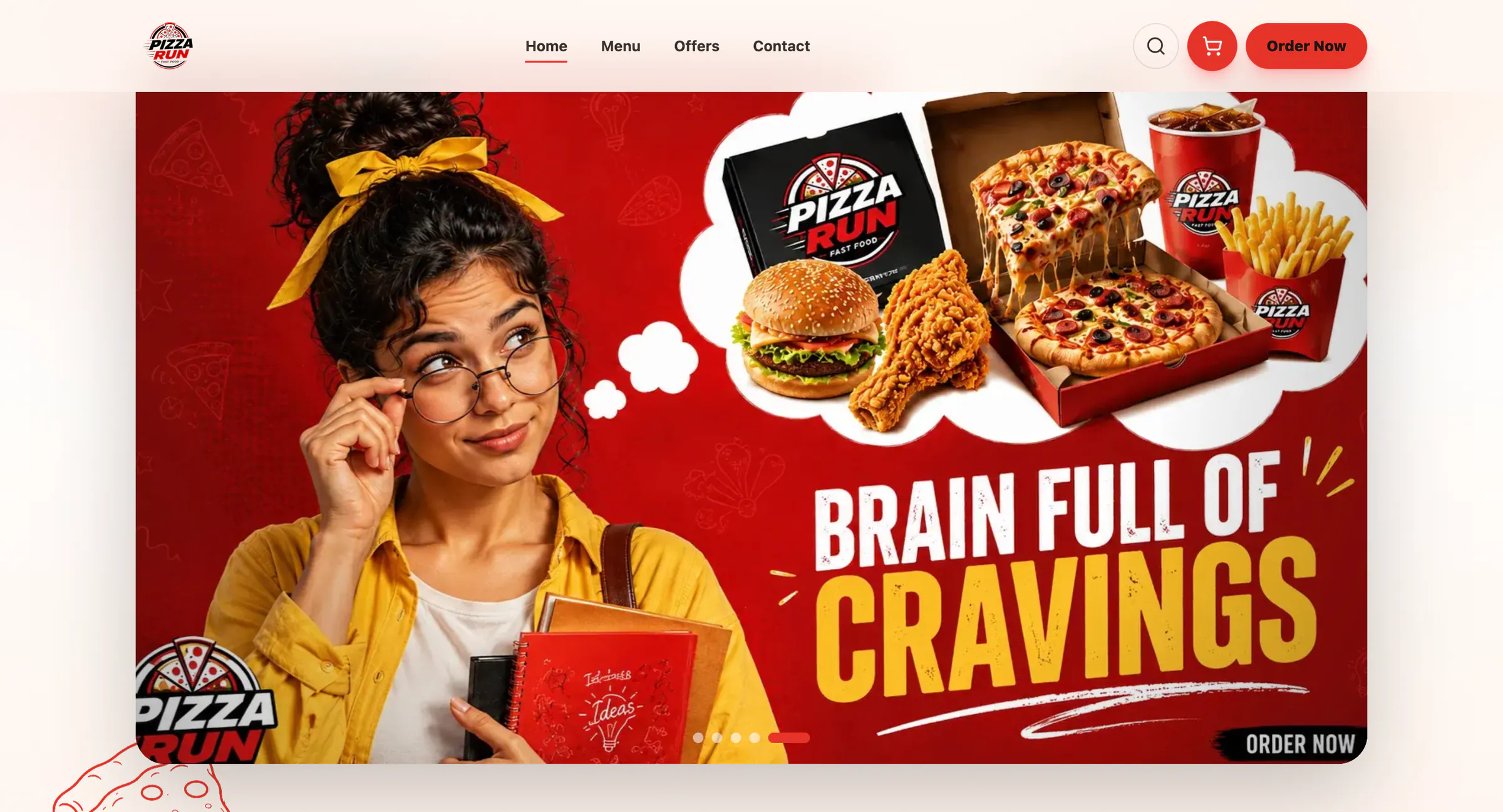
The storefront is only one part of restaurant ordering
A good ordering experience must remain connected to real restaurant operations. A beautiful menu is not enough if items stay available after stock runs out, modifiers confuse the kitchen, promotions calculate incorrectly, or staff must re-enter orders into another system.
Customer-facing essentials
- Fast mobile menu with categories and search
- Variants, add-ons, allergens, and clear availability
- Delivery, pickup, and dine-in choices
- Address validation and service-area rules
- Secure payments and cash-on-delivery controls
- Order status, notifications, and support access
Operations essentials
- Menu and price management
- Order queue with fulfilment states
- Kitchen or preparation views
- POS and invoice workflows
- Inventory or ingredient availability
- Offers, coupons, taxes, and delivery fees
- Customer history and issue notes
- Role-based access and daily reporting
Multi-location decisions
Restaurants with several branches need location-specific menus, prices, stock, hours, delivery zones, preparation capacity, and reporting. Decide whether an order is assigned by customer choice, postcode, distance, or operational load.
Metrics that matter
Track checkout completion, average order value, order acceptance time, preparation time, cancellation reasons, repeat-order rate, popular modifiers, promotion usage, and fulfilment by channel. Each metric should connect to an action the team can take.
How Techsyhub builds restaurant systems
Techsyhub designs ordering as a connected product: storefront, menu, offers, POS, invoicing, inventory, takeaway, dine-in, and the operations panel. Pizza Run demonstrates an eight-module foundation that can be adapted for restaurants, cafes, cloud kitchens, or franchise models without forcing every business into the same workflow.
Before selecting a platform, map the full path from menu update to completed order and daily reconciliation. Explore Techsyhub’s booking and ordering systems for a requirements-led scope.